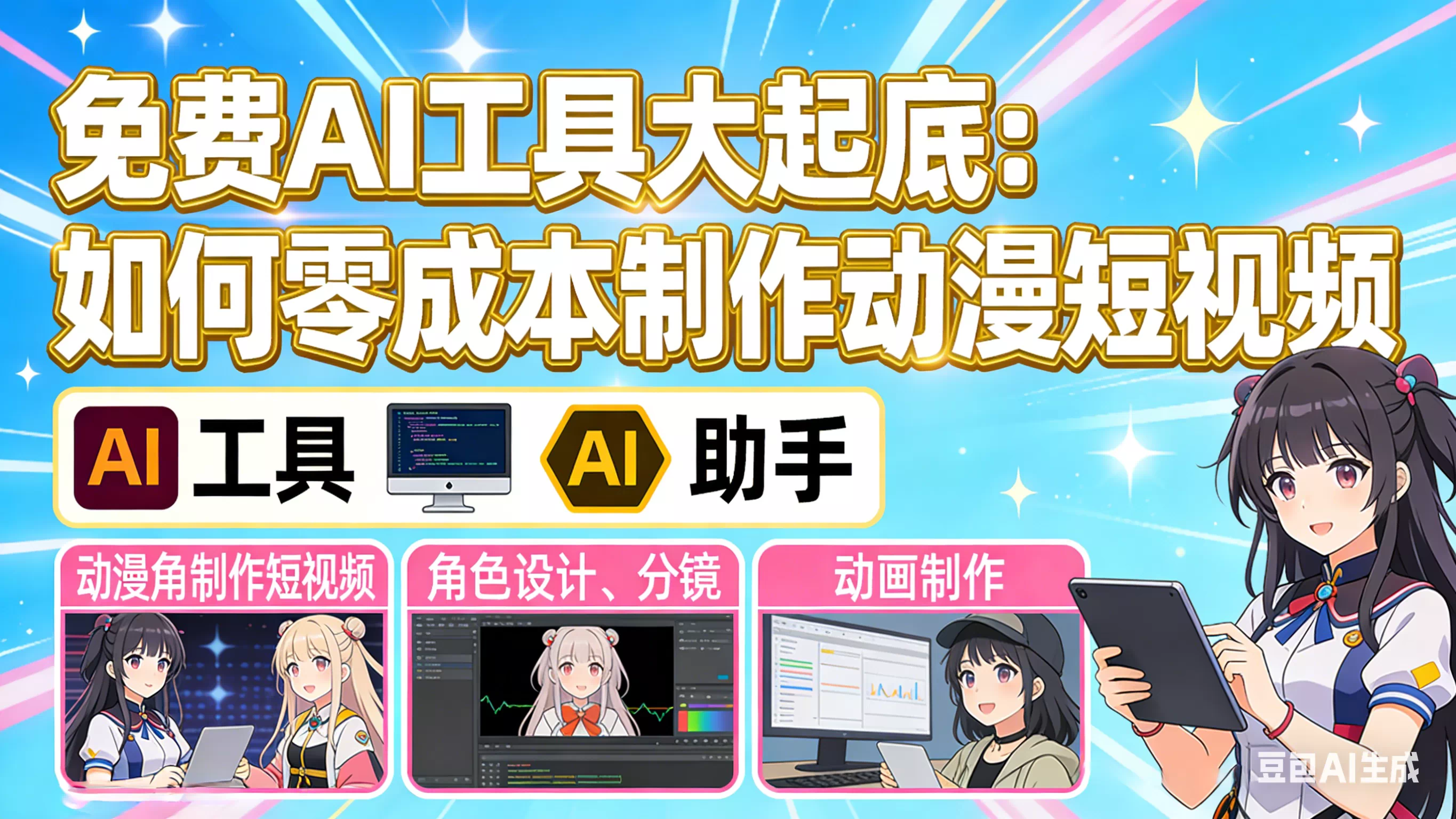
- Is zero-cost production really possible?
"I want to try making AI anime videos, but what if my budget is limited?"
This is the most common message I've been getting in my inbox lately. To be honest, I totally understand that feeling—brimming with creative passion, but your wallet is holding you back.
But today I have good news: as of 2026, you can make a decent anime short video without spending a single cent. I spent a week testing over a dozen free tools on the market and narrowed them down to five "zero-cost gems" that are perfect for students.
Whether you're in a dorm, a library, or at your desk at home, as long as you have a computer or a phone, you can start your anime-creation journey.
- Complete Tool Kit: 5 Free Gems to Cover the Whole Workflow
Here's a quick overview to give you an idea:
| Stage | Recommended tools | Free allowance | Advantages |
|---|---|---|---|
| Script/Screenplay | Doubao / DeepSeek | Completely free | Strong Chinese understanding, automatically generates storyboard scripts |
| Character design | Jimeng / MyEdit | Daily free quota | Choose between anime/3D styles, high-quality results |
| Video generation | Animon.ai / PixVerse | Unlimited generation (watermarked) | Focused on anime style, easy to use |
| Voiceover & music | CapCut AI Voiceover | Completely free | Multiple voice tones available, one-click generation |
| Editing & composition | CapCut | Completely free | Widely used tool, beginner-friendly |
Next, we'll break down the specific steps for each stage, one by one.
- Step One: Write the Script — Let AI Be Your Screenwriter
Many people get stuck at the first step: "What if I can't write a script?"
Don't worry—large models can handle that for you. From my tests, Doubao and DeepSeek have the strongest understanding of Chinese contexts, and they're completely free.
Practical template (copy and use directly):
Please act as a top short-drama screenwriter and create a short video script for me in a campus sweet-romance genre.

Requirements:
- Duration: 1-2 minutes
- Style: Japanese anime style
- Character settings: Female lead Lin Xiaokui (short hair, lively and cheerful), Male lead Gu Yan (cool senior)
- Core conflict: The female lead wants to confess to the senior but always ends up causing misunderstandings
- Pacing: Introduce a humorous conflict within 3 seconds, end with a cliffhanger

Please output in storyboard format, including: shot number, shot description, dialogue, duration.
Throw this prompt to Doubao, and in under a minute you'll have a complete script. If you're not satisfied, you can ask it to "revise it again" until you're happy.
Tip: If you want the story to feel more grounded, tell the AI about your real campus experiences and it will help turn them into interesting scenes.
4. Step Two: Create Characters — Build Your Own IP
With the script ready, next you need to solve the question of "what do the characters look like".
Here I recommend two free tools: Jimeng (web) and MyEdit (web + app).
Method 1: Use Jimeng to Generate Character Model Sheets
Go to the Jimeng website, select the "AI Illustration" feature, and enter the following prompt:
"3D cartoon style, Chinese countryside pastoral background, an anthropomorphized big white goose wearing blue overalls, round and cute, with an innocent expression, finely detailed feathers, high-definition CG quality"
A few seconds later, the AI will generate a high-quality character image. If you're not satisfied, tweak the prompt and regenerate until you get the result you want.
Method 2: Use MyEdit to Turn Photos into Anime Characters
If you don't want to design from scratch, MyEdit's "AI Filter" feature can help a lot. Upload a selfie or a friend's photo, choose the "Japanese anime" style, and the AI will automatically convert the photo into an anime character. The results are quite impressive, and it's completely free.
Important tip: To keep the character consistent in later video generation, it's recommended to generate multiple angle images of the character in advance (front, side, 3/4 view) so the AI can better maintain consistency when creating video.
5. Step Three: Generate the Video — Bring Your Characters to Life
This is the most magical step—make static characters actually move.
Tool 1: Animon.ai — A Free Tool Specializing in Anime Style
Animon.ai is a Japanese platform launched in 2025; currently free users can generate videos without limit!
Steps:
- Visit the Animon.ai website and sign up
- Click the "Animation" option on the left
- Upload your character image
- Enter an action description, e.g., "The girl walks while waving and smiling"
- Click generate and wait a few minutes
In my tests, Animon generates videos about 5 seconds long at 480p resolution and includes a watermark. But for students, free and unlimited generation is very generous. Note that generated results can sometimes have character artifacts, so it's advisable to try multiple times and get to know its quirks.
Tool 2: PixVerse — A Free Option Covering Three Platforms
If you prefer using Discord or mobile, try PixVerse. It supports web, a Discord bot, and a mobile app. Its free allowance is quite generous, and its anime-style generation quality stands out among free tools.
How to use on Discord:
- Join the official PixVerse Discord server
- Enter the /create command in the designated channel
- Upload your character image + action description
- The AI will automatically generate the video
This method is especially good for getting inspiration from the community and seeing other users' creations to learn their prompt techniques.
Tool 3: MyEdit — Turn Photos into Dynamic Videos
If you already have character images and want to make the characters in the photos "come alive", MyEdit's "AI Photo Animation" feature is very useful. It offers a variety of motion templates—hugging, high-fives, dancing, transformations, etc. Just upload a photo, choose a template, and the system will automatically generate an animated video.
6. Step Four: Voiceover & Editing — Final Polishing
Voiceover: CapCut AI Voiceover
Once the video has visuals, it also needs sound to "give it soul". CapCut's AI voiceover feature is completely free and offers dozens of voice tones to choose from.
Steps:
- Open CapCut and import your video material
- Click "Text" → "New Text" and enter the lines
- Choose "Text-to-Speech" and pick a suitable voice
- Adjust the speaking speed (recommend 1.1x–1.15x to make the pace tighter)
If you want more voice options, try ElevenLabs; the free plan offers 10,000 characters per month.
Editing: Finalizing in CapCut
Final step: assemble all your materials:
- Material stitching: import video clips in storyboard order and connect them with dissolve transitions
- Add subtitles: CapCut's one-click subtitles automatically generate captions from audio
- Add background music: choose a light, upbeat BGM and balance the volume
- Export: choose 1080p resolution for export
Once you're familiar with the process, you can finish a video in 10–15 minutes.
7. Money-Saving Tips for Students
-
Make clever use of cloud services: if your computer isn't powerful enough, try cloud deployment solutions so you can run AI without a local GPU
-
Keep an eye on daily free quotas: many tools (like Jimeng, Luma) give daily free credits—small amounts add up
-
Use Discord communities: some AI tools host occasional free events on their Discord servers—follow them to catch giveaways
-
Start with short videos: begin with 15–30 second clips to reduce trial-and-error costs and build experience
8. Monetization Ideas: Students Can Earn Money with AI Too
Once you have videos, how can you make them generate value?
-
Platform ad revenue: post on Douyin, Bilibili, Kuaishou, join mid-length video partner programs, and earn from views
-
School clubs/event promo videos: many clubs need promo videos, you can take orders to produce them
-
Build a personal brand: keep updating, accumulate followers, and later take commercial jobs or offer paid courses/content
As far as I know, some students have earned enough to cover living expenses in a month using this method. Of course, it's not overnight—consistent output and accumulation are required.
Final Words
The biggest dividend of the AI era is that it has lowered the threshold for creativity to nearly zero.
Previously, making an animation required a professional team, expensive software, and years of experience. Now, a student with a computer and a few free tools can turn the stories in their head into reality.
Of course, tools are just tools. What truly moves people is always your creativity and story. I hope this guide helps you take the first step toward creating your first anime work.