AllDeveloper ToolsDesign ResourcesAI ToolsProductivity ToolsTech NewsFrontend FrameworksBackend FrameworksDatabasesDevOpsSecurity ToolsFinance & InvestingE-commerce & ShoppingEducation & TrainingHealthcareTravel & TransportJobs & CareersEntertainment & MediaNews & MediaLife ServicesGovernment & Public WelfareBlogsGithub

Lovable — AI No-Code App Platform
AI Tools
AI-powered no-code, build instantly
Lovable: Quickly build apps, websites, and digital products using AI + no-code. Key Features - AI-driven page and component generation, with smart autocomplete and content suggestions. - Visual drag-and-drop editor and template library to rapidly assemble interfaces and workflows. - One-click export of code or direct deployment; supports third-party API and data source integrations. Use cases: rapid prototyping, MVPs, internal tools, marketing pages, and product iteration for small teams. Key advantages: no deep coding required, significantly shorter development cycles, and easier collaboration between designers and product teams.
DetailsView details →

Manus Universal AI Agent Platform
AI Tools
Turn ideas into action automatically
Core Features Manus is a general-purpose AI agent, that turns ideas into executable tasks and completes them automatically, handling the end-to-end process from concept to delivery. It can generate prototypes, documentation, code, and presentations based on instructions, and can drive external tools or APIs to perform tasks. - Automated task execution and workflow orchestration - Generates code, documentation, presentations, and product prototypes - Supports integration with third-party tools and APIs; suitable for product managers, developers, and startup teams Key Benefits: Reduces repetitive manual work, accelerates the path from idea to deliverable, supports scalable agent strategies and triggers, and boosts team efficiency and project momentum.
DetailsView details →

NotebookLM — Smart Research Notes
AI Tools
Organize your research and notes with AI.
Google's AI note-taking and research assistant: NotebookLM uses Google's Gemini model to turn the materials you upload into searchable notes, summaries, and study guides. - Automatically generates summaries and key points - Document-based Q&A with source citations - Supports uploading Drive documents and various formats Use cases - Academic research and review - Team knowledge organization and reporting - Quickly extracting conclusions from long documents Main advantages: one-click generation of citable conclusions, deep integration with Google Workspace, and significantly improved efficiency in organizing materials and studying. Accessing notebooklm.google.com requires signing in with a Google account.
DetailsView details →

Gamma — AI Presentations & Website Builder
AI Tools
Create presentations and websites with one click using AI
Gamma is an AI-powered visual content creation platform that quickly generates presentations, documents, and microsites, suitable for product pitch decks, teaching presentations, and marketing. It turns ideas into presentable pages, lowering the design barrier and speeding up output. - Core features: AI automatically builds outlines and visuals, a rich template library, real-time collaboration, and version management. - Output support: one-click export to PDF, PPTX, or publish directly as a webpage. - Interaction tools: built-in AI chat and content generation features (e.g., AI chat, theme swapping). Use cases - Entrepreneurs and product managers for fundraising pitch decks and product demos - Teachers and lecturers quickly creating course slides - Marketing and content teams producing visual documents at scale Key advantages: no design experience required, automated templates and visuals, real-time multi-user collaboration — significantly saving production time and improving presentation quality.
DetailsView details →

Suno AI Music Generator
AI Tools
Create original music in seconds with customizable styles.
Introduction Suno is an AI-based online music generator that can create high-quality original music for free in seconds. It supports multiple styles and moods, making it easy for creators to quickly produce music assets to share with others or use in their projects. Key Features - Generate original music in seconds for fast output - Multiple styles, moods, and tempos to choose from for easy customization - One-click sharing and community discovery for easy distribution and collaboration Use Cases and Advantages - Video creators, game developers, podcasters, and proof-of-concept projects can quickly obtain background music - No professional composition skills required; very low barrier to entry, with fast generation speeds for easy iteration Example prompt (can be entered directly): Generate 60s electronic music, mood: energetic, tempo: 120bpm
DetailsView details →

Udio AI Music Generator
AI Tools
Generate high-quality original music in seconds with AI
Udio is an AI-powered online music generator that can create editable original music in seconds, helping creators quickly produce soundtracks and spark inspiration. - Core features: style selection, mood and duration settings, instant preview and online editing, audio export - Target users: short-form video creators, game developers, advertising and content production teams, podcasters Key advantages - Easy to use — no music production experience required to get started - Diverse styles and fast iteration, suitable for prototyping and bulk content production - Online sharing and collaboration, facilitating team communication and distribution Example: Udio.generate("cinematic", duration=30)
DetailsView details →

Dify Intelligent Agent Development Platform
AI Tools
Build and deploy autonomous agents
Platform Overview Dify is a team-oriented Agentic workflow builder that helps you develop, deploy, and manage autonomous agents, RAG (retrieval-augmented generation) pipelines, and model integrations. It's suitable for product, engineering, data, and operations teams for automation and knowledge retrieval scenarios. Key features: - Visual and code dual-mode construction of Agent workflows - Built-in RAG pipelines, conversational retrieval, and external integration plugins - One-click deployment, permissions and version management, supporting team collaboration Main advantages: - Quickly go from prototype to production deployment with strong scalability - Lowers operational overhead and accelerates AI workflow implementation
DetailsView details →

Flowise — Visual AI Agent Orchestration
AI Tools
Build AI agents visually with drag-and-drop
Introduction Flowise is an open-source, self-hosted visual generative AI development platform focused on building AI agents and orchestrating LLMs. Design complex workflows by dragging and dropping nodes, lowering development barriers and accelerating prototyping and production deployment. - Core features: visual workflow editing, node-based LLM and tool integration, agent orchestration - Use cases: prototype validation, R&D experiments, enterprise self-hosted deployment, rapid setup for no-code/low-code teams - Key advantages: open-source, support for multiple models and third-party APIs (e.g., OpenAI), easy to extend, and convenient for local deployment and operations With Flowise you can string together models, retrieval, and tool calls into a stable execution pipeline without extensive coding, making it suitable for AI projects that require visual management and rapid iteration.
DetailsView details →

OpenRouter Model Routing Platform
AI Tools
Unified access, compare pricing across models
OpenRouter is a unified LLM access and price-comparison platform for developers that helps you intelligently route requests across multiple large models to achieve lower costs and better response quality. - Unified API: connect once and switch between multiple models - Real-time price comparison: estimate cost and response time per prompt to quickly find the most cost-effective model - Intelligent routing: supports automatic model selection based on cost, quality, or latency policies 示例:openrouter.request({ model: 'best', prompt: '你好' }) Use Cases - Integrate multiple models into production to ensure stability and keep costs under control - Quickly compare different models' performance and pricing during prototyping - Automatically route requests at scale to lower budgetary costs Key advantages: easy integration, transparent billing, and model price comparison, suitable for developers and businesses that want to flexibly manage models across providers and optimize costs.
DetailsView details →

SiliconFlow
AI Tools
High-performance, low-cost multimodal AI services
SiliconFlow focuses on providing developers and enterprises with high-performance, low-cost, multi-category AI model services to accelerate product innovation and rapid deployment. The platform emphasizes ease of use and cost efficiency, supporting cloud inference and enterprise-grade deployment. - Offers API access, model hosting, and inference acceleration - Covers various model types such as text, image, and speech - Supports enterprise customization and pay-as-you-go billing, balancing performance and cost Use Cases Suitable for product development, intelligent customer service, content generation, data analysis, and edge deployment scenarios. Its main advantages are superior performance, controllable costs, and easy integration, helping teams quickly integrate AI capabilities into their business.
DetailsView details →

fal.ai Generative AI Platform
AI Tools
One-stop access to generative AI
fal.ai — Integrated Generative Media Inference Platform. Core Features fal.ai provides a unified API and SDK that supports multimodal models for images, 3D, video, and more (e.g., FLUX, Kling, Hailuo, and 1000+ models). It can boost inference speed up to 4x while lowering usage costs, making it easy for developers to integrate and iterate quickly. - Use cases: content generation, game asset creation, video editing, research and validation - Main advantages: fast deployment, automatic scaling, pay-as-you-go billing, low-latency output Example: Call https://api.fal.ai/v1/infer with curl to quickly access model inference.
DetailsView details →

Genspark AI Workspace
AI Tools
Build AI employees to automate office tasks
Genspark — an all-in-one AI workspace offering “AI Employees” and Super Agent capabilities. This is a productivity tool that integrates slides, documents, images, videos, code, and design capabilities into a single platform, and supports embedding AI capabilities into team workflows via Sparkpages and API. Use Cases and Core Features - Automating everyday office work: research, writing, reporting, scheduling, and data analysis - Intelligent creation: one-click content generation with AI Slides, AI Designer, AI Developer, etc. - Enterprise integration: connects to Google Workspace, Outlook, Slack, Teams, Notion, Salesforce Key Advantages - Improve efficiency: delegate repetitive tasks to AI Employees to save human time - Cost control: replace some outsourced or manual work at lower cost - Easy to implement: rich app integrations and workflows that facilitate enterprise integration and automation
DetailsView details →

LM Studio Local AI Platform
AI Tools
Run open-source large models privately on your local machine.
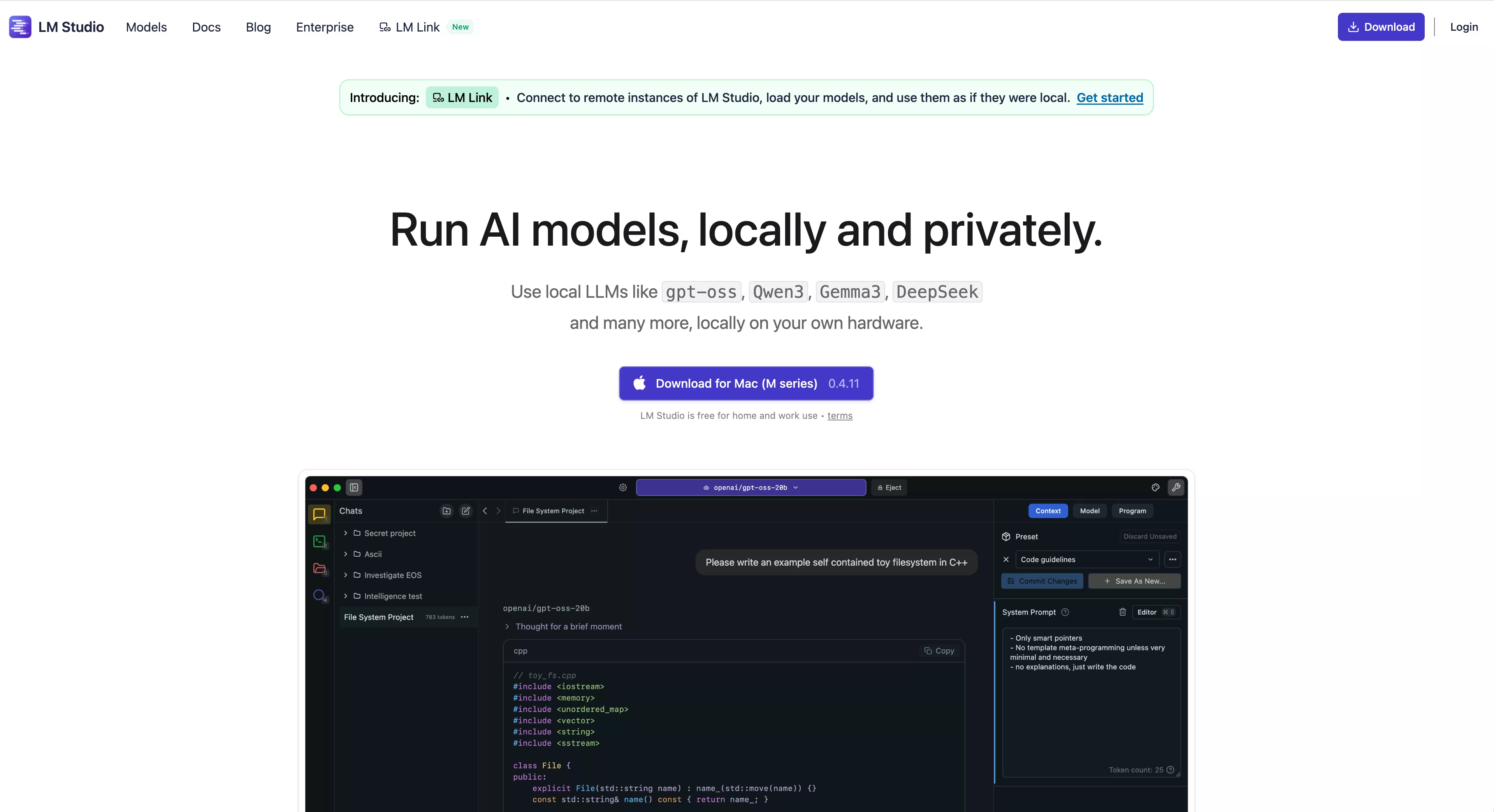
Overview LM Studio lets you run and manage open-source AI models privately on your local machine, such as gpt-oss, Llama, Gemma, Qwen, and DeepSeek. It provides a graphical interface and command-line support, works with CPU/GPU, and accelerates inference and fine-tuning. Core Features - One-click model download and deployment, supports quantized models and multiple backends - Local inference so data never leaves the network, ensuring privacy and compliance - Visual management, API access, model export, and monitoring - Cross-platform support (Windows/macOS/Linux) with optimizations for NVIDIA and Apple Silicon GPUs Subheading Suitable for developers, researchers, and enterprise intranet deployments; used for private inference, offline demos, model debugging, and small-scale fine-tuning. Its main advantages are privacy, ease of use, and performance optimization, making it easy to quickly validate and deploy models in controlled environments.
DetailsView details →

Open WebUI — Self-Hosted AI Platform
AI Tools
Self-hosted models — connect and scale with one click
Open WebUI is a self-hosted AI platform, enabling you to run and manage various models on-premises or in a private cloud, flexibly extend functionality, and tightly protect data privacy. Suitable for developers, researchers, teams, and enterprises for experimentation, deployment, and production use. Core Features - Connect to any model or backend, compatible with a variety of inference engines and deployment options - Extend functionality via API and plugins; customize workflows and interfaces with code - Configurable access control and data protection, supporting on-premises and private cloud deployments Key advantages: high degree of control, easy extensibility, emphasis on privacy and customization, suitable for model evaluation, internal AI services, research experiments, and production environments.
DetailsView details →

Claude Code — AI Development Assistant
AI Tools
Let AI understand and edit your code
Anthropic's agentic programming tool: a terminal and IDE agent for developers Core Features - Read and understand the entire codebase, supporting cross-file context analysis and navigation - Edit files and generate patches or commit suggestions, either directly modify code or output a diff - Run commands in a sandbox/terminal (e.g., npm test, git operations), automating common development workflows Use Cases and Key Advantages - Well-suited for local development, code review, quick bug fixes, generating examples, or refactoring guidance - Advantages: reduces context switching, speeds up delivery, improves review efficiency, and can actually run commands to validate changes Provided by Anthropic, suitable for teams and individuals looking to extend their development workflows with AI.
DetailsView details →

TRAE · AI-Native Integrated Development Environment
AI Tools
From requirements to code — an AI-native IDE.
TRAE — China’s first AI-native integrated development environment, deeply integrates the Doubao-1.5-pro and DeepSeek models, supports one-click generation of runnable code frameworks from Chinese natural language with real-time frontend preview. Introduces the Builder mode to automate development from requirements to code and intelligently locate and fix bugs; compatible with Windows/macOS and ready to use after downloading from the official site. - Key features: one-click code framework generation, Builder automated production, real-time frontend preview, intelligent bug localization and fixing. - Main advantages: boosts development efficiency, reduces communication overhead, supports rapid iteration via Chinese instructions. Use Cases - Startups and solo developers quickly build an MVP - Product managers/designers quickly validate interaction prototypes using Chinese - Learners accelerate their learning by generating examples
DetailsView details →

Granola Smart Notebook
AI Tools
Turn conversations into searchable, actionable memories.
Granola is an AI-powered notebook that helps you turn conversations and ideas into searchable, actionable long-term memory, transforming conversations into searchable memories and driving execution, so you can focus on the moment while the system remembers. Core Features - Capture meetings, conversations, and notes in real time, automatically structuring and linking them. - Powerful full-text search and contextual backtracking to quickly locate past information. - Identify tasks/action items and support tracking and reminders, with tags and project views. - Integrates with external tools and supports export (markdown, API calls) for easy downstream processing. Use cases include meeting minutes, project follow-up, personal knowledge management, and team collaboration. The main advantages are: - Reduce information loss and redundant communication, - Improve execution and workflow continuity, - Provide searchable long-term memory, reducing the cost of finding information.
DetailsView details →

Conch AI Video Generator
AI Tools
Quickly generate videos from text and images.
Turn text and image into short videos with one click, quickly producing social media content. Ideal for content creators, social media managers, teachers, and marketers — create visually engaging clips without editing. Key Features - Automatically generate videos from text + image; built-in AI image generator—create posts, memes, ad snippets, and short narratives; - Offers various templates, styles, and automatic soundtracks; supports exporting in platform-specific sizes and quick sharing; - Main advantages: low learning curve, fast output, no professional editing required, and easy bulk content production. Use cases: social short videos, ad assets, course clips, creative showcases, and rapid prototyping.
DetailsView details →


ChatGPT
AI Tools
Smart chat, instant creative assistant
Core features and highlights ChatGPT is OpenAI's generative AI conversational platform for natural language Q&A, text generation, writing polish, coding assistance, translation, and knowledge retrieval. Key strengths include: - Instant responses: Quickly delivers coherent answers and supports multi-turn conversations. - Multi-task capability: Useful for creative writing, technical Q&A, copy optimization, and study tutoring. - Customizable outputs: Adjust style, length, and level of detail via prompts. Use cases and target users Suitable for students, researchers, content creators, product managers, developers, and everyday users seeking productivity tools. Common scenarios include study assistance, copy and marketing material generation, prototyping, code examples and debugging, and daily Q&A. Main advantages or highlights - High-quality language understanding and generation, supporting multiple languages. - Easy to use, accessible via a browser with no complex setup (access link: https://chat.openai.com). - Broad applicability, effective for quick consultations and as an ongoing workflow assistant.
DetailsView details →


Claude
AI Tools
Efficient, intelligent writing and Q&A assistant
Claude is an advanced conversational AI assistant built by Anthropic, focused on safety and controllability. It excels at natural language understanding and generation, and can provide clear, structured responses across multi-turn conversations. Core features & highlights - Intelligent conversation: natural language interaction, long-context memory, and multi-turn follow-ups - Text processing: writing, editing, summarization, and information extraction - Development & productivity: code assistance, document analysis, spreadsheet and data insights, and file input support - Customizability: adjust output style and depth via prompts and parameters Use cases and target users Suitable for content creators, marketing and operations personnel, product managers, developers, researchers, and enterprise teams. Common uses include drafting content, customer support automation, knowledge management, requirements analysis, and rapid prototyping. Key advantages or highlights - Emphasizes safety and alignment, producing more controllable and trustworthy outputs - Supports long-context interactions and file collaboration, improving the ability to handle complex tasks - Offers team and API access options for easy integration and scalable deployment
DetailsView details →

GitHub Copilot
AI Tools
Smart coding assistant that boosts developer productivity
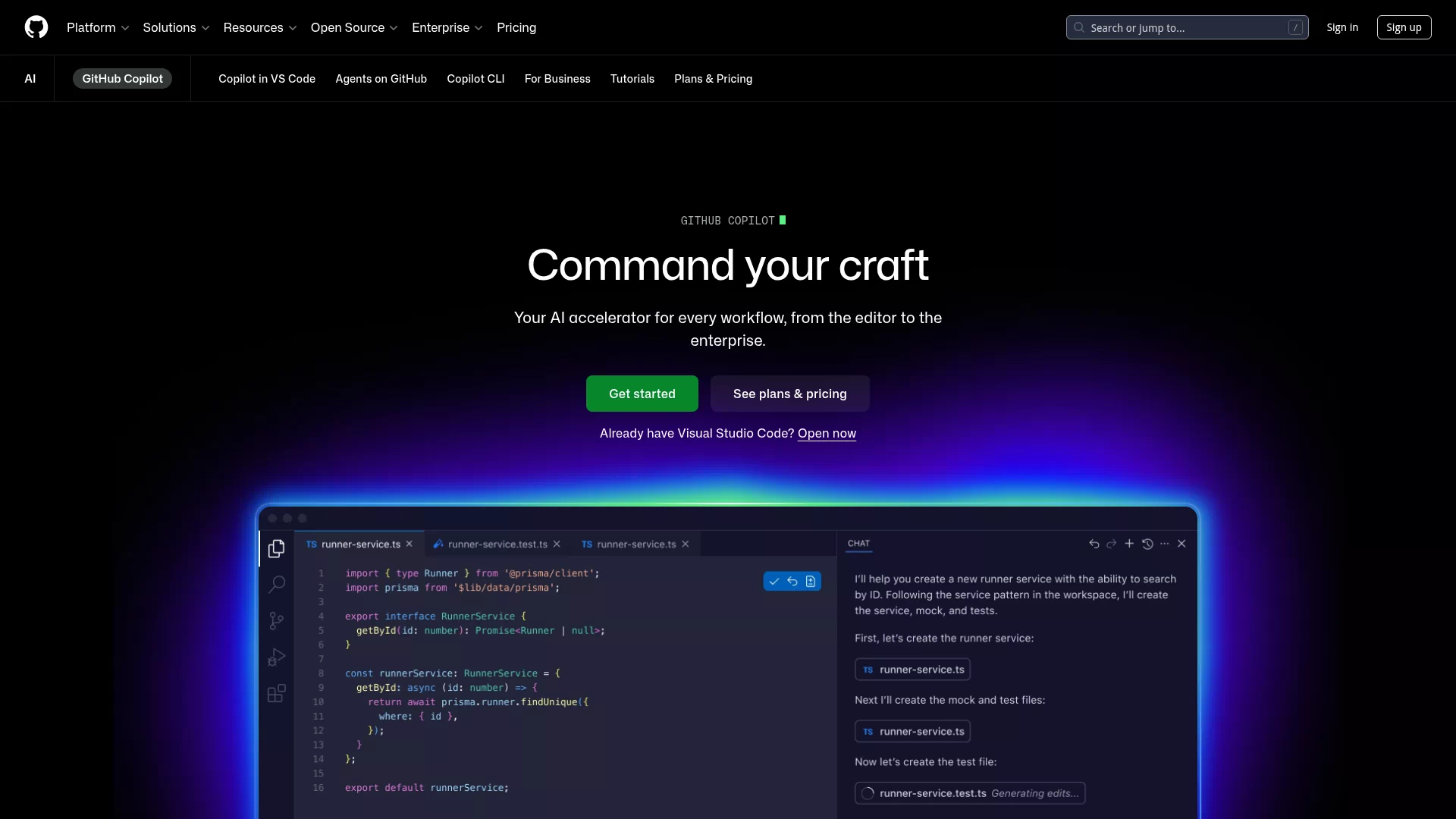
GitHub Copilot is an AI programming assistant jointly developed by GitHub and OpenAI. It generates real-time code suggestions in the editor based on the current file and surrounding context, helping developers implement features and iterate faster. Core features & highlights - Context-aware line- and function-level completions that can generate full implementations, boilerplate code, or complex logic - Supports multiple languages and frameworks, compatible with common editors (VS Code, JetBrains, Neovim, GitHub Codespaces) - Converts natural language prompts into code, and can assist with comments, tests, or refactoring suggestions Use cases & target users - Suitable for individual developers, engineering teams, beginners, and open-source contributors - Use cases include rapid prototyping, learning new APIs, generating unit tests, handling repetitive boilerplate, and improving code review efficiency Key benefits or highlights - Significantly boosts development efficiency, reducing repetitive work and time spent on boilerplate - Offers suggestions tailored to project context and coding style, supporting interactive iteration - Deep IDE integration: suggestions can be accepted, edited, or ignored, making team collaboration and code quality control easier
DetailsView details →

Gemini
AI Tools
Accelerate creation with a multimodal AI assistant
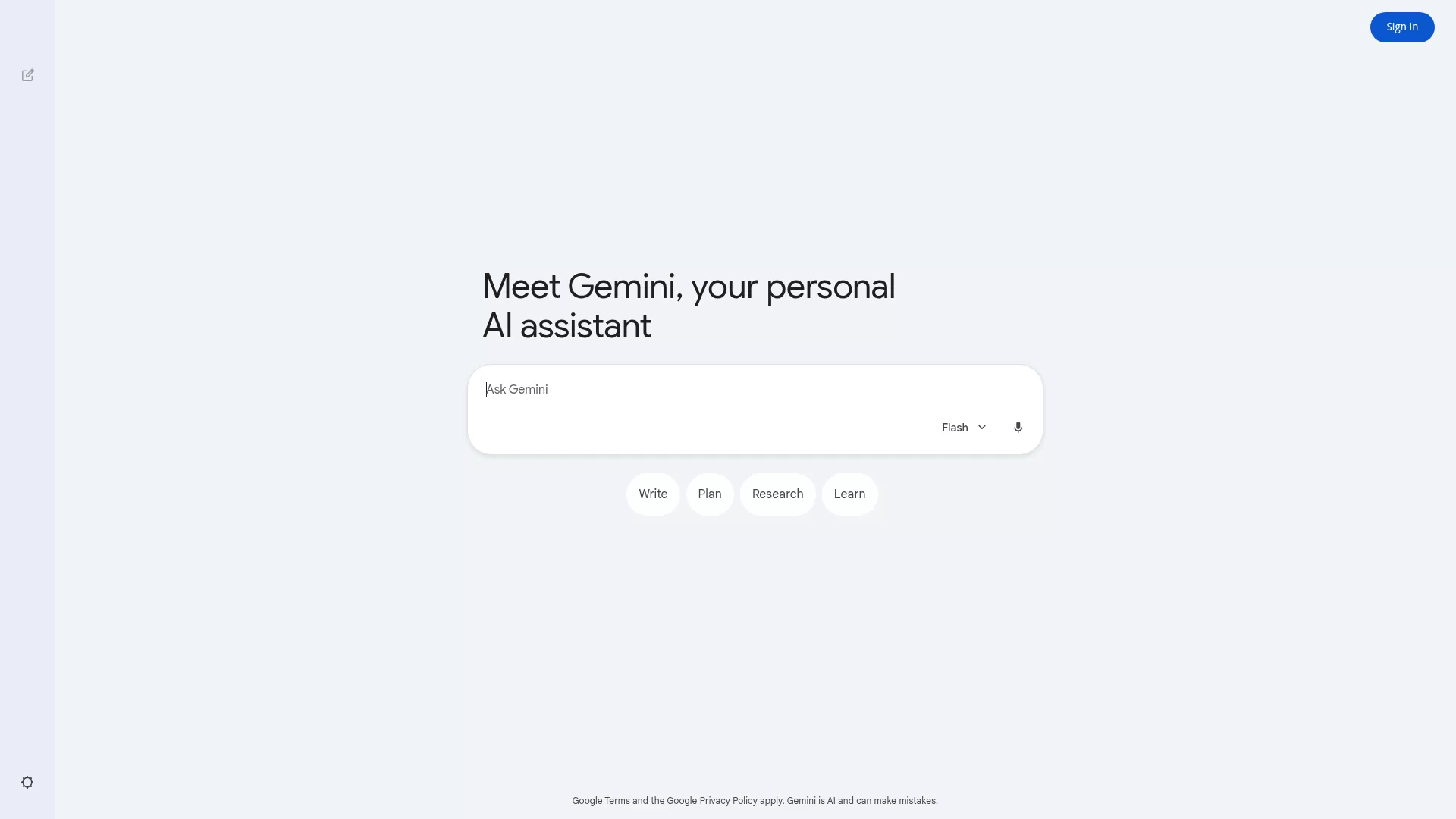
Core features & highlights Gemini is Google’s multimodal large model, combining text, image, and audio capabilities. It supports generative conversations, copywriting, code assistance, and image understanding. It offers an interactive web experience and provides a developer API, balancing out-of-the-box use and integrability. Use cases & target users - Content creators, marketing, and product teams: rapidly produce copy, creative drafts, and visual briefs - Developers and engineering teams: code generation, debugging suggestions, and API integration - Enterprises and customer support: intelligent Q&A, knowledge-base queries, and automated responses - Researchers and students: data interpretation, summarization, and idea guidance Key advantages - High-quality generation: deep semantic understanding with coherent, natural outputs - Multimodal fusion: handles text, images, and audio inputs to expand application scenarios - Google ecosystem integration: works alongside Search, Workspace, and other services - Easy to engineer and deploy: provides a API and tools for integration and scaling to product needs
DetailsView details →


Midjourney
AI Tools
AI text-to-image — instant creative visuals
Midjourney Overview Midjourney is an AI-based image generation platform that quickly creates high-quality, artistic images from natural language prompts via Discord or the web app. It turns text into visual ideas and supports style adjustments, composition control, detail upscaling, and other parameters for fast iteration and refined expression. Core features & highlights - Text-to-image generation with iterative refinement - Multiple styles and parameters (style, aspect ratio, quality, seed) - Upscale and Variation features - Share and browse creations via an interactive Discord bot and the web gallery Use cases & target users Suited for concept designers, illustrators, film and game artists, brand/marketing teams, content creators, and individuals or teams needing rapid prototyping and visual inspiration. Key advantages & highlights - Produces outputs with strong artistic flair and expressiveness - Chat-like interaction — easy to start and fast to iterate - Active community and a rich example gallery to spark creativity Subscription plans offer varying access levels and performance options for personal and professional workflows.
DetailsView details →

DALL-E
AI Tools
Flagship text-to-image, precise and editable
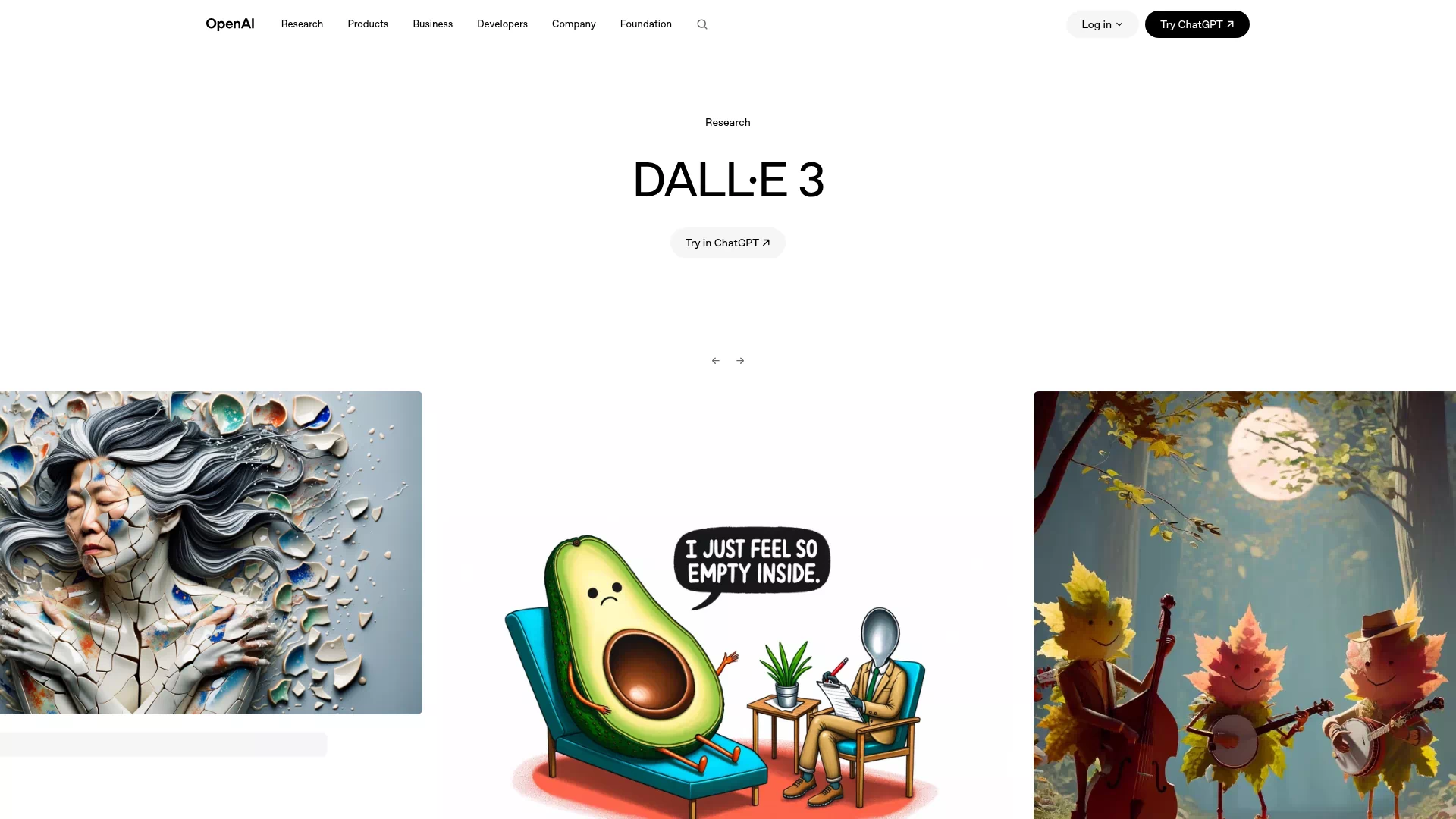
DALL·E Overview DALL·E 3 is OpenAI's advanced text-to-image model that converts natural language prompts into high-fidelity images. It can generate multi-style, detail-rich images and also supports image editing and inpainting, enabling precise modifications to specific areas. Key features and highlights: - Enhanced prompt understanding, accurately handling complex compositions and semantic requirements - High-quality outputs with more natural detail and lighting - Supports image editing, masked inpainting, and style transfer - Integrated with ChatGPT for interactive prompt iteration and creative collaboration Use cases and target users - Ideal for designers, illustrators, content creators, marketers, product prototyping, and educators - Use cases include ad assets, social media imagery, concept art, instructional visuals, rapid prototyping, and visual communication Key advantages and highlights - High accuracy: better understands complex text prompts and reproduces details - Highly editable: easier local inpainting and iterative revisions - Multi-style support: handles everything from photorealism to illustration - Safety and control: built-in content screening and usage policies to support compliant creation Visit: https://openai.com/dall-e-3 to learn more about usage and integration.
DetailsView details →