
Introduction
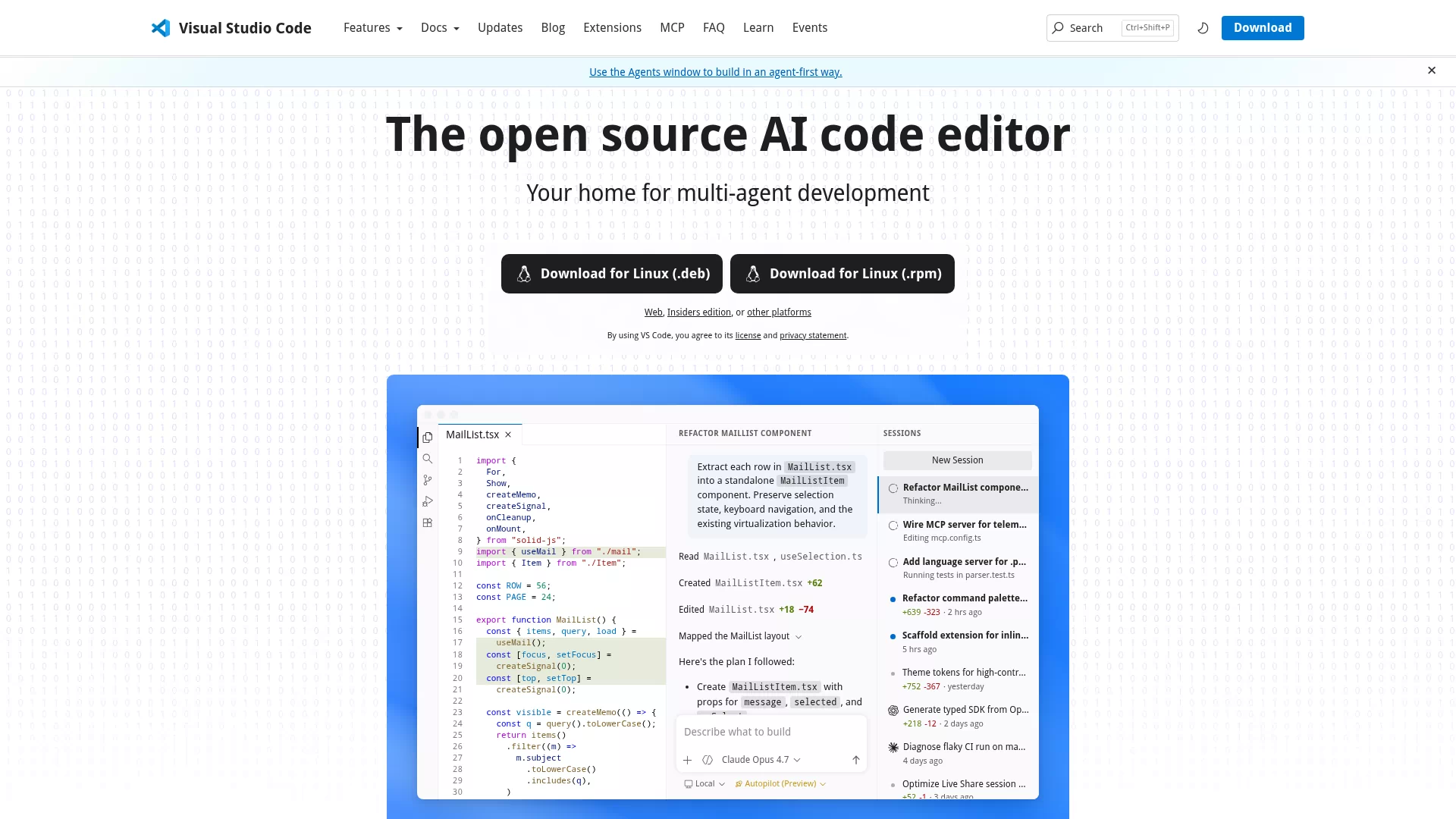
VS Code is a free and open source cross-platform code editor developed by Microsoft. It is both lightweight and powerful. It has a huge extended ecosystem and active community, and is suitable for individuals and teams.
Core functions and features
- IntelliSense, syntax highlighting, code snippets and refactoring tools
- Built-in debugger, terminal and
Gitintegration, supporting breakpoint debugging and version control - Rich extension market, supporting remote development such as Remote-SSH, Containers, WSL, etc.
Applicable scenarios and target users
Suitable for front-end, back-end, full-stack developers, DevOps, data scientists and students for daily coding, debugging, rapid prototyping, remote development and team collaboration.
Main advantages or highlights
- Quick startup, low resource usage, and smooth experience
- Highly customizable (theme, shortcut keys, settings) and powerful extension ecosystem
- Cross-platform support (Windows, macOS, Linux), community and plug-ins are continuously updated, easy to use and highly scalable